Designing AI-Powered Customer Journeys
Practical Ways Small Businesses Can Use Data and Automation to Boost Customer Experience
Maira Koin
CEO, F Koin Tech
Published
22 July, 2026
Customers today expect fast, personalized, and consistent experiences across every touchpoint—website, email, social, phone, and even in-person. For many small businesses, meeting those expectations with a small team can feel impossible. This is where Artificial Intelligence (AI), smart business automation, and better use of data can transform your customer experience—without requiring enterprise-level budgets.
By intentionally designing AI-powered customer journeys, small and medium businesses can use AI for business, workflow automation, and simple software solutions to guide people from first contact to loyal repeat customer, with less manual work at every stage.
What is a customer journey—and why does it matter?
A customer journey is the set of steps someone takes from first discovering your brand to becoming a loyal advocate. For most small businesses, this includes:
- How people first hear about you (search, ads, social, referrals)
- How they research your products or services
- How they contact you, ask questions, or get a quote
- How they buy, onboard, and start using what you offer
- How you support them and keep them coming back
Designing this journey intentionally—and then supporting it with AI automation, cloud solutions, and smart business process optimization—has a direct impact on:
- Revenue: More leads convert into paying customers
- Business efficiency: Less time spent on repetitive communication
- Customer satisfaction: Faster, more relevant responses
- Startup growth: Systems that scale without adding headcount
Why use AI and automation for customer journeys?
Small businesses often believe Artificial Intelligence and advanced business technology are only for large enterprises. In reality, many everyday tools you already use include AI features and automation capabilities that can power better journeys with minimal complexity.
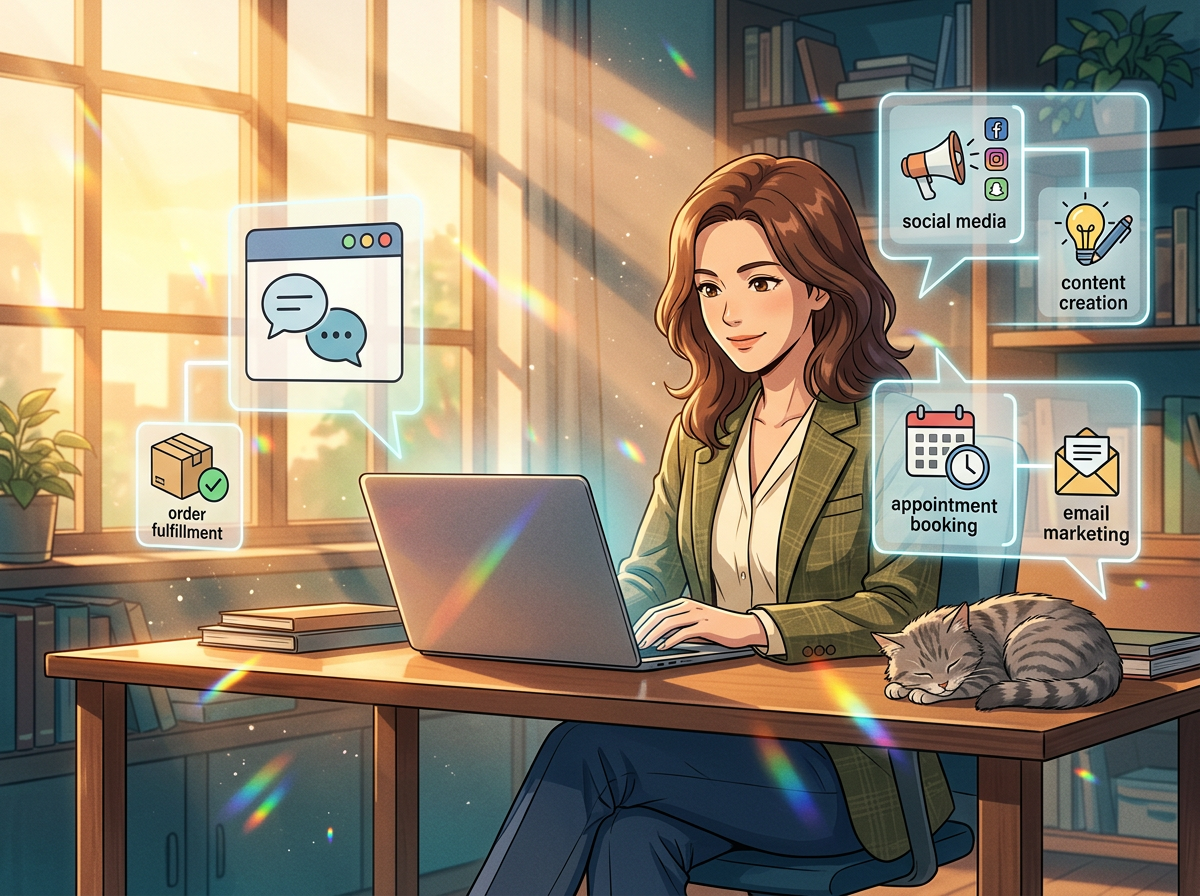
Thoughtful use of AI and workflow automation can help you:
- Reply to inquiries faster, even outside business hours
- Personalize messages based on customer behavior and interests
- Prioritize the most valuable leads and support tickets
- Spot patterns and opportunities using simple data analytics
- Deliver a consistent experience across web, mobile, and offline channels
The goal is not to replace human interaction, but to use AI for business as a co-pilot—handling routine tasks so your team can focus on advice, relationships, and problem-solving.
The 5 stages of an AI-powered customer journey
Most customer journeys follow a similar pattern. By looking at each stage separately, you can design practical software solutions, cloud computing workflows, and simple AI touches that elevate the overall experience.
Stage 1: Awareness – Helping prospects discover you
At this stage, people are becoming aware they have a problem or need. Your goal is to be visible and relevant when they start searching, scrolling, or asking for recommendations.
How AI and automation can help:
- Smarter content planning: Use AI-assisted writing tools to brainstorm blog topics and outlines around questions your ideal customers ask. This supports your digital strategy and Digital Transformation objectives.
- SEO optimization: Many SaaS solutions for SEO now use AI to suggest keywords, headings, and meta descriptions to improve search visibility.
- Ad campaign optimization: Advertising platforms already use AI to automatically test audiences, creatives, and placements—especially useful for small budgets.
Stage 2: Consideration – Educating and building trust
Once people find you, they evaluate whether you understand their problems and can deliver results. This is where clear explanations and helpful content matter.
How AI and automation can help:
- Dynamic website content: Basic personalization (e.g., returning visitors seeing different messages than new visitors) can be managed using simple rules or AI-driven recommendations.
- Interactive tools: Simple calculators, quizzes, or assessors built via web development or mobile app development can guide visitors to the right package or service.
- Automated lead nurturing: Email sequences triggered by downloads or form submissions can educate prospects over time without manual follow-up.
Stage 3: Decision – Making it easy to say “yes”
At decision time, friction kills conversions. Complex forms, slow responses, and unclear pricing all push people away.
How AI and automation can help:
- Instant responses: AI-powered chatbots or virtual assistants can answer common questions 24/7, then hand off to humans when needed.
- Smart routing: Workflow automation can send hot leads directly to the right salesperson or specialist, reducing delay.
- Pre-filled information: For existing contacts, integrated enterprise software and CRM systems can pre-fill forms, quotes, and proposals.
- Online purchasing: Simple e-commerce solutions or online payment links remove barriers for ready-to-buy customers.
Stage 4: Onboarding – Delivering a smooth start
The first days and weeks after someone buys set the tone for the whole relationship. A confusing or slow onboarding experience can lead to cancellations and refunds.
How AI and automation can help:
- Automated welcome journeys: Triggered emails, SMS, or in-app messages that explain next steps, share quick-start guides, and set expectations.
- Task automation: When a new client signs, automated workflows can create internal tasks, project boards, and document checklists.
- Guided product tours: In web apps or mobile apps, AI-assisted walk-throughs can highlight features based on user behavior.
- Onboarding health scores: Simple data analytics can flag customers who haven’t completed key steps, so your team can proactively reach out.
Stage 5: Retention and advocacy – Keeping customers engaged
Acquiring new customers is expensive. AI-assisted business automation can help you keep existing customers happy, reduce churn, and encourage referrals.
How AI and automation can help:
- Usage monitoring: For digital products or SaaS solutions, track inactive accounts and trigger re-engagement emails or offers.
- Next-best-offer suggestions: Use purchase history and common patterns to recommend relevant add-ons or upgrades.
- Feedback loops: Automatically send short surveys after key milestones, then use AI to summarize comments into themes for improvement.
- Loyalty journeys: Set up automated rewards or recognition when customers hit milestones (spend, duration, referrals).
Turning data into better customer experiences
AI-powered journeys rely on data—but that doesn’t mean you need advanced data analytics teams. For most small businesses, a few core data points, tracked consistently across cloud solutions and enterprise software, can unlock big improvements.
Essential data to track across the journey
Start by focusing on simple, high-impact data:
- Source of leads: Where did this person first come from? (search, ad, event, referral)
- Key actions taken: Pages visited, content downloaded, webinars attended, or products viewed
- Engagement level: Email opens, site visits, support tickets, or feature usage
- Purchase history: What they bought, when, and how often
- Support history: Issues raised, satisfaction scores, outcomes
Connecting this data across your systems—website, CRM, marketing tools, helpdesk, and e-commerce solutions—enables more intelligent AI automation and better decision-making.
Simple ways to use data for personalization
You don’t need to build a full recommendation engine to personalize your customer journey. Start with rule-based and basic AI-driven approaches such as:
- Sending different follow-up sequences based on industry or company size
- Highlighting relevant case studies based on the services someone viewed
- Offering onboarding resources tailored to beginner vs. advanced users
- Triggering check-ins if a customer hasn’t logged in or ordered in a while
These targeted touches show customers you understand their context, which is a key part of modern customer experience.
Practical AI use cases along the customer journey
To bring the concept to life, here are concrete, low-risk ways to apply Artificial Intelligence and business automation at different stages.
AI for first contact and lead capture
- AI chat on your website: An assistant that can answer FAQs, collect contact details, and route leads to the right team member.
- Smart forms: Forms that adapt questions based on previous answers, keeping them short while capturing relevant data.
- Lead enrichment: Tools that automatically fill in company details (industry, size) from an email domain to help with segmentation.
AI for qualification and sales support
- Lead scoring: AI-powered scoring models that rank leads based on behavior (pages visited, time on site, email engagement).
- Email drafting: AI-assisted sales emails based on bullet points, reducing the time it takes to respond personally.
- Meeting prep: Tools that summarize previous emails and notes before calls so your team is always up to speed.
AI for onboarding, support, and success
- Support triage: AI that classifies incoming requests by topic and urgency, routing them accordingly.
- Knowledge base assistants: Search tools that help customers find relevant help articles quickly.
- Proactive alerts: Notifications when customer behavior suggests confusion or potential churn.
AI for retention, upsell, and cross-sell
- Next-step recommendations: Suggesting the most likely next product or service a customer will need, based on patterns in your data.
- Churn prediction: Flagging customers whose activity has dropped, so account managers can intervene.
- Automated check-in messages: Friendly nudges at key intervals, drafted by AI and approved by your team.
Design principles for AI-powered customer journeys
Successful Digital Transformation around customer experience is about more than tools. It requires clear thinking about how you want customers to feel and what outcomes you want to drive.
1. Start with the human experience
Before you think about software development or tool selection, map the ideal experience from the customer’s point of view:
- What questions do they have at each stage?
- What might frustrate or confuse them?
- What would feel surprisingly helpful or thoughtful?
Only then should you consider how AI for business, web development, or mobile app development can support that vision.
2. Automate the boring, not the relationship
Customers value human connection when it matters: strategic advice, clear explanations, and empathy. Use AI automation to handle:
- Data entry and record updates
- Routine confirmations and reminders
- Basic FAQs and information requests
- Initial triage and routing
Reserve your team’s time for high-impact conversations where human judgment is needed.
3. Make the system transparent
Customers and staff should always know what’s happening next. Good AI-powered journeys clearly communicate:
- Expected response times
- Which steps are automated vs. handled by a person
- How to reach a human when needed
This builds trust and reduces frustration if something goes wrong.
4. Design for continuous learning
AI systems and automated workflows are not “set and forget.” As your data grows, your customer segments evolve, and new technology trends emerge, you’ll need to refine your journeys.
Plan regular reviews to:
- Check where customers are dropping off
- Update messages, offers, and decision rules
- Train AI models with newer, better data
- Retire steps or tools that no longer add value
Common mistakes when using AI in customer journeys
Many small businesses jump into AI and business automation without a clear plan. Here are pitfalls to avoid.
Mistake 1: Starting with tools instead of outcomes
It’s easy to get excited about chatbots, predictive analytics, or the latest future technology trends. But without clear goals, these projects often fail to deliver real value.
Better approach: Define 3–5 measurable outcomes, such as:
- Respond to all new leads within 30 minutes
- Increase online conversion rate by 20%
- Reduce onboarding-related support tickets by 30%
- Increase repeat purchases by 15%
Then choose AI and automation initiatives that directly support those targets.
Mistake 2: Over-automating early interactions
Fully automated conversations can feel cold or frustrating if they block access to humans.
Better approach: Use AI to speed up and structure early interactions, but always provide an easy path to a person—especially for high-value leads or complex issues.
Mistake 3: Ignoring data quality
AI and data analytics are only as good as the data they consume. Inconsistent fields, duplicate records, and missing information quickly erode trust in automated systems.
Better approach: Invest in simple data hygiene:
- Standardize how you capture names, companies, and contact details
- Define clear stages for leads and customers
- Regularly clean your CRM and marketing lists
Mistake 4: Treating AI as a one-time project
Customer expectations, regulations, and business technology all change quickly. Journeys that work today may feel outdated next year.
Better approach: Treat AI-powered journeys as part of ongoing digital innovation. Build feedback loops from customers and staff, and allocate time each quarter to review and refine.
A practical roadmap to design AI-powered customer journeys
You don’t need to redesign your entire customer experience at once. A staged approach lets you see value quickly while learning what works for your audience.
Step 1: Map your current customer journey
Gather your team and sketch the real-life journey on a single page:
- How customers first find you
- What they do before they contact you
- How they contact you and what happens next
- How they buy, sign contracts, or place orders
- How you onboard, support, and retain them
Highlight pain points—for both customers and your team. These are opportunities for business process optimization and workflow automation.
Step 2: Identify 3–5 high-impact opportunities
Look for areas with one or more of these traits:
- High volume of interactions (e.g., contact form submissions, support tickets)
- Strong influence on revenue (e.g., proposal stage, checkout)
- Frequent delays or errors due to manual work
- Common customer complaints or confusion
These are your best candidates for early AI and automation projects.
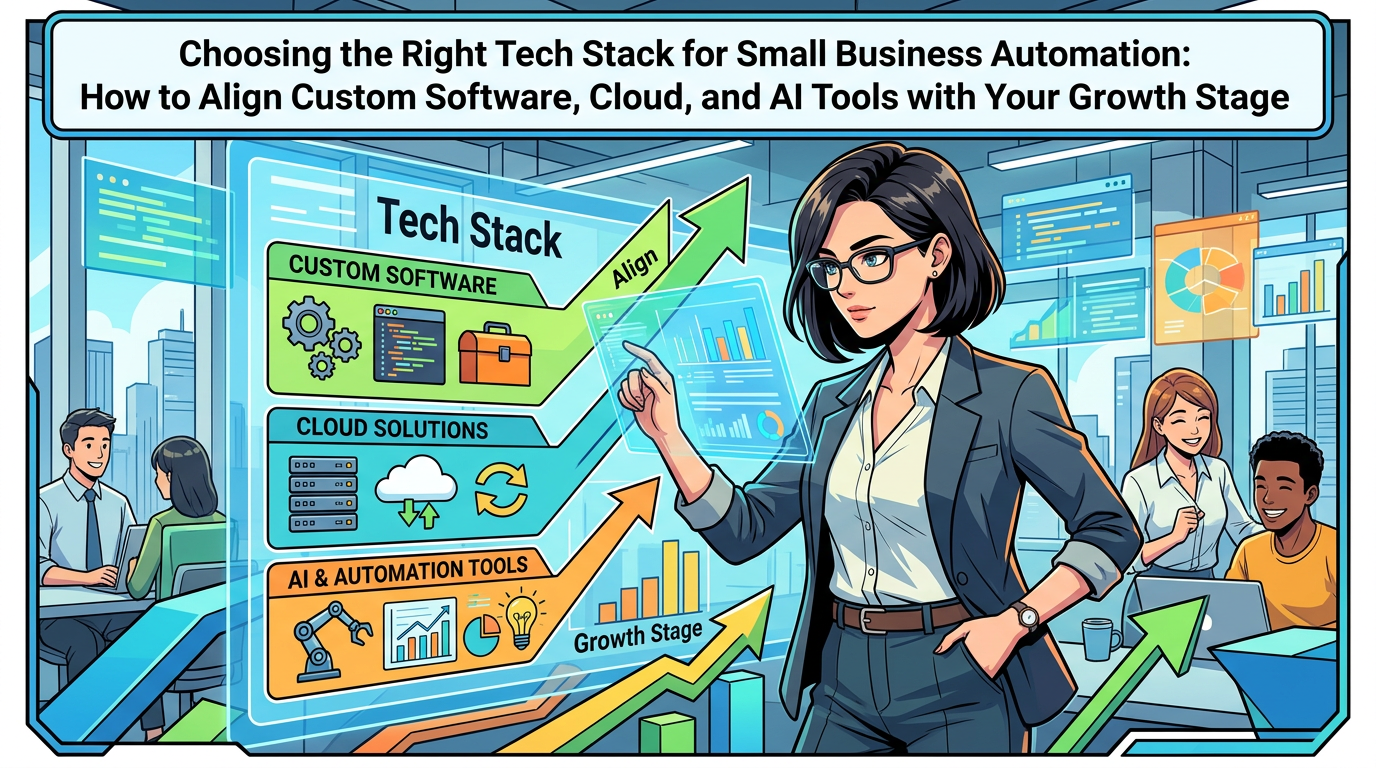
Step 3: Choose your core technology stack
You don’t need dozens of tools. Focus on a small, connected stack—often built around:
- A CRM or central customer database
- An email and marketing automation platform
- Your website or primary web development platform
- Any key e-commerce solutions or billing tools
- A helpdesk or shared inbox for support
For unique processes or competitive advantages, consider custom software development or tailored enterprise software that fits your way of working instead of forcing workarounds.
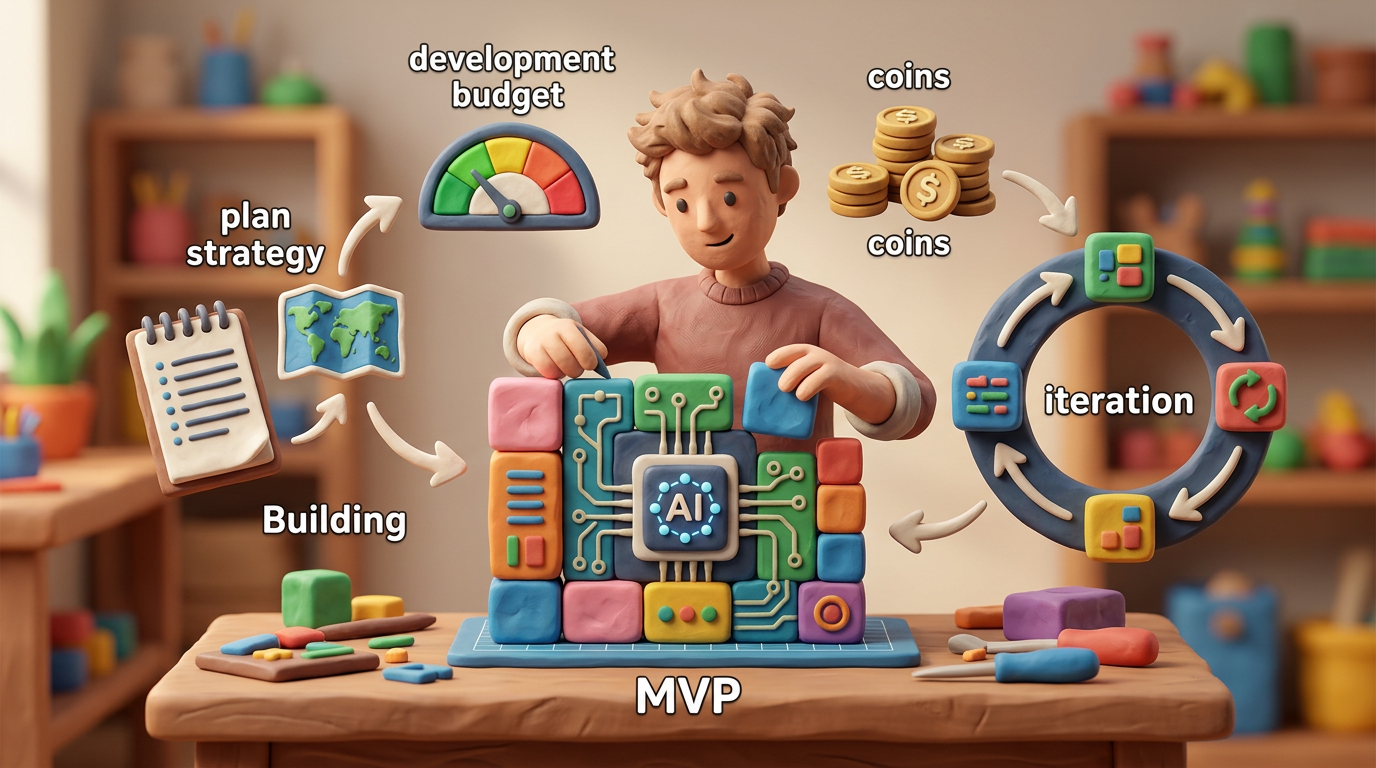
Step 4: Design 1–2 pilot AI-powered journeys
Start small and measurable. Examples of pilot projects include:
- AI-assisted website chat that captures and qualifies leads, integrated with your CRM
- An automated onboarding sequence for new customers with personalized content
- Churn risk alerts based on inactivity or reduced orders, triggering human outreach
Define clear success metrics before launching: response times, conversion rates, ticket volume, or customer satisfaction scores.
Step 5: Measure, refine, and expand
After a few weeks or months, review performance:
- Did response times improve?
- Are customers completing more steps without manual nudges?
- Has your team’s workload shifted to more valuable tasks?
Use these insights to refine your pilots, then extend similar patterns to other parts of the journey.
Future technology trends shaping customer journeys
While your focus should remain on practical steps today, it helps to understand where small business technology is heading.
More embedded AI in everyday tools
AI capabilities are increasingly built into email clients, CRMs, support platforms, and cloud solutions. This will make AI for business more accessible, even for non-technical teams.
Context-aware experiences across channels
Customers will expect you to recognize them across website, mobile, email, and in-person interactions. Integrated cloud computing and software solutions will help small businesses deliver this level of continuity.
No-code and low-code for journey orchestration
No-code and low-code tools will make it easier for business users to design and adjust automated customer journeys without deep programming knowledge. Combined with expert technology consulting, this can speed up business innovation and experimentation.
Greater focus on privacy and trust
As AI and personalization become more common, customers will care more about how their data is used. Transparent practices, clear consent, and ethical use of AI will be crucial to maintain trust.
Summary: Turning AI-powered journeys into a competitive advantage
Designing AI-powered customer journeys is not about chasing buzzwords. It’s about using Artificial Intelligence, business automation, and thoughtful Digital Transformation to serve customers better at every step—while improving business productivity and business efficiency.
By mapping your customer journey, choosing a focused technology stack, and rolling out targeted AI and automation pilots, your business can:
- Respond faster and more consistently to leads and customers
- Deliver smoother onboarding and support experiences
- Use data, not guesswork, to refine your digital strategy
- Scale operations without sacrificing quality or burning out your team
You don’t need to transform everything at once. Start with one part of the journey, prove the value, and build from there.
Need help designing your AI-powered customer journey?
If you are exploring how to use AI automation, custom software development, web development, mobile app development, or integrated e-commerce solutions to improve your customer experience, the right technology partner can help you move faster with less risk.
A consulting-led approach can clarify which journey stages to focus on first, which tools fit your business, and where bespoke software development or enterprise software will give you a real competitive edge. When you are ready, consider reaching out for a conversation to review your current journeys and outline a practical roadmap for AI-powered customer experience over the next 6–12 months.