Practical AI Automation Ideas for Non‑Technical Small Business Owners
Low‑Code Tools, Plug‑And‑Play Integrations, and When to Call a Developer
Maira Koin
CEO, F Koin Tech
Published
01 September, 2026
Many small business owners hear about Artificial Intelligence, automation, and Digital Transformation every week, but still feel stuck in email, spreadsheets, and manual work. The good news is you do not need to be technical or rebuild your entire business to benefit from AI for Business, Workflow Automation, or modern Small Business Technology.
This guide focuses on practical, low-risk automation ideas you can apply using low-code tools, plug-and-play SaaS Solutions, and simple Cloud Solutions. It also explains how to recognize the moment when basic tools are not enough any more and Custom Software Development or deeper Technology Consulting becomes the smarter path.
What “AI automation” really means for non-technical business owners
AI Automation sounds complex, but in a small business context it usually means a combination of three things:
- Automatic workflows that move information between tools without copy and paste.
- AI helpers that draft, summarize, classify, or prioritize work so people can make quicker decisions.
- Simple Data Analytics that show what is happening in your business, so you are not guessing.
You do not have to understand how the algorithms work. You only need to be clear about the work you want to remove from your plate and the Customer Experience you want to deliver.
Signs your business is ready for low-code AI automation
Before talking about tools, check if these situations sound familiar:
- Leads arrive in email or forms, and sometimes get missed.
- Your team types the same information into more than one system.
- Reports for sales or cash flow take hours to assemble from spreadsheets.
- Customers often ask the same basic questions and wait for answers.
- Key tasks depend on one person remembering to do them.
If you nodded at even two of those, you are ready for simple Business Automation and AI for Business, even if you are not technical.
Low-code and no-code: what they are and why they matter
Low-code and no-code tools let you create simple Software Solutions and automations by clicking and dragging, rather than writing code. Think of them as digital Lego blocks for business processes.
They are useful because they:
- Allow non-technical staff to set up and change workflows.
- Reduce the cost and delay of waiting for developers.
- Connect common Cloud Solutions like CRM, email, and accounting.
Used well, they become a bridge between your current manual processes and more advanced Digital Transformation projects later.
Category 1: Practical AI automation ideas you can set up yourself
Below are realistic, non-technical ideas grouped by business area. Most can be done with low-code tools and built-in AI features in modern SaaS Solutions.
1. Lead capture and follow-up
Goal: Never lose a lead and respond faster without writing every email from scratch.
Simple automations:
- Connect your website form to a CRM so every inquiry creates a contact record automatically.
- Send an instant, friendly confirmation email when someone fills in a form, with basic next steps.
- Create a follow-up task for your sales team when a new high-value lead arrives.
AI ideas:
- Use AI email assistants to draft personalized replies from a few bullet points, then have staff review and send.
- Let simple AI-based scoring tag leads as “hot”, “warm”, or “cold” based on what they viewed or requested.
Business benefit: Higher conversion from inquiry to sale, better Customer Experience, and less risk of missed opportunities.
2. Appointment booking and reminders
Goal: Reduce back-and-forth emails and no-show appointments.
Simple automations:
- Use an online booking tool that syncs with your calendar so customers choose available slots directly.
- Send automatic SMS or email reminders 24 hours before appointments.
- Trigger follow-up messages that ask how the appointment went or share next steps.
AI ideas:
- AI can suggest meeting times taking into account time zones and working hours.
- Use AI to summarize the outcome of a meeting from call notes into a short recap email.
Business benefit: Fewer no-shows, less admin time, and a smoother experience for customers.
3. Quotes, proposals, and contracts
Goal: Speed up how you prepare offers and reduce mistakes in pricing and terms.
Simple automations:
- Use templates where staff only fill in a few key details, such as quantity and scope.
- Automate the creation of a quote when a deal in your CRM reaches a specific stage.
- Send contracts for e-signature and automatically update their status in your CRM when signed.
AI ideas:
- Ask AI to suggest clear wording for proposal sections based on your standard offers.
- Use AI to highlight unusual clauses or missing signatures in contract files.
Business benefit: Faster turnaround, more consistent pricing, and fewer back-and-forth edits.
4. Customer support and FAQs
Goal: Give customers fast, reliable answers without needing a full call center.
Simple automations:
- Use a shared helpdesk, not personal inboxes, so any team member can respond.
- Auto-respond to new tickets with expected response times and basic information.
- Tag and route issues by topic, such as billing vs technical vs general question.
AI ideas:
- Deploy an AI chat on your site that can answer common questions and capture leads.
- Use AI to suggest reply drafts to your staff based on previous answers and knowledge base articles.
- Summarize long email or chat threads for managers who need to step in.
Business benefit: Higher satisfaction, lower response times, and less pressure on key staff.
5. Invoicing, payments, and finance admin
Goal: Get paid on time and keep your books updated without constant manual typing.
Simple automations:
- Use Cloud Computing accounting tools that connect to your bank feed.
- Trigger invoices automatically when a project stage is marked complete.
- Send reminders a few days before and after invoice due dates.
AI ideas:
- Use AI to categorize expenses or suggest which account to book them under.
- Let AI scan incoming invoices or receipts and extract key data such as supplier, amount, and due date.
Business benefit: Improved cash flow, fewer overdue invoices, and less time spent on routine finance tasks.
6. Simple reporting and analytics
Goal: See what is working in your business without spending hours in spreadsheets.
Simple automations:
- Connect your CRM, accounting, and marketing tools into a basic dashboard.
- Schedule weekly or monthly summary reports to be emailed to you and your managers.
- Track a small set of metrics such as new leads, deals won, revenue, and average response time.
AI ideas:
- Use AI to highlight unusual changes, such as a drop in leads or spike in refunds.
- Ask AI tools questions in natural language, such as “Which customer segment grew fastest last quarter?”.
Business benefit: Better decisions, faster, using Data Analytics that non-technical leaders can understand.
Category 2: Plug-and-play integrations that give quick wins
Many popular SaaS Solutions now connect to each other with a few clicks. These plug-and-play integrations are usually the lowest-risk way to start with Business Automation.
Useful integration patterns for small businesses
- Website to CRM: Every form submission or online purchase creates or updates a contact, so Customer Experience is consistent.
- CRM to email marketing: New contacts are added to the right email list with tags for interests or status.
- CRM to accounting: When a deal is marked as won, an invoice draft is created in your finance system.
- E-commerce Solutions to inventory: Orders update stock and trigger re-order alerts.
- Support system to CRM: Support conversations are visible on the customer record, which helps sales and account management.
You usually set these up through visual menus, not code. If two tools you use do not talk to each other directly, low-code connector platforms can fill that gap.
Benefits of an “integration first” mindset
By connecting existing Cloud Solutions before you build anything new, you can:
- Reduce double entry and errors.
- Create a single source of truth for customers, work, and money.
- Prepare your systems for future AI for Business projects that rely on clean data.
Category 3: Low-code “micro apps” that fix annoying gaps
Sometimes your team needs a simple tool that your existing systems do not provide. For example, a custom calculator, intake form, inspection checklist, or internal approval form.
Instead of a full Software Development project, you can often use low-code platforms to build small, focused “micro apps” that:
- Collect specific data from staff or customers.
- Trigger Workflow Automation in your main tools.
- Show basic dashboards or status updates.
These micro apps can sit between your Website, CRM, and accounting platforms, and they are often enough to support Business Process Optimization for a particular department.
How to choose which processes to automate first
It is easy to get excited and try to automate everything. That usually overwhelms teams. A simpler way is to score candidate processes on three factors.
1. Volume
How often does this task happen in a typical week or month? Daily tasks usually deserve more attention than rare ones.
2. Impact
Does this process touch revenue, cash, or Customer Experience directly? For example, lead response, invoicing, or support response time.
3. Pain
How frustrating is this task for your staff? How often does it cause errors, delays, or rework?
Start with processes that score high on all three. Automating just one or two of those can free up meaningful time and show your team the value of Digital Innovation.
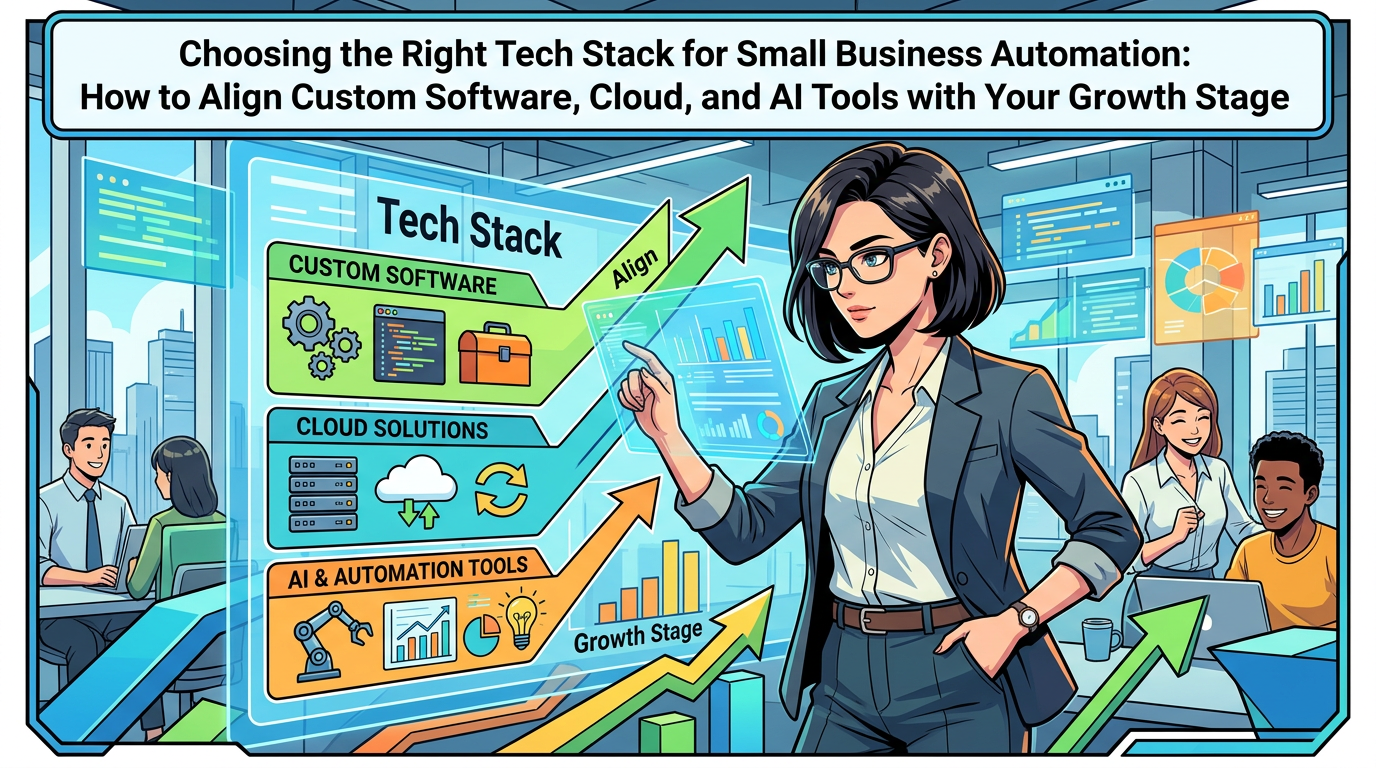
Comparing DIY tools, low-code, and Custom Software Development
As your automation ideas grow, you will face a decision: keep using plug-and-play tools, extend them with low-code, or engage in full Custom Software Development. The comparison below can help you decide.
Simple comparison table
- DIY with existing tools
Good for: basic workflows inside one system, such as email sequences in a single marketing tool.
Pros: fast, cheap, no external help needed.
Cons: limited flexibility, hard to connect across many systems. - Low-code and integrations
Good for: connecting several SaaS Solutions, building simple forms, dashboards, or approvals.
Pros: big gains in Business Productivity, still relatively low cost, non-technical staff can often maintain it.
Cons: can get messy if no one owns the overall Digital Strategy. - Custom Software Development
Good for: unique workflows, complex pricing, serious scale, or heavy Mobile App Development needs.
Pros: tailored fit, deeper Business Process Optimization, better long-term control over data.
Cons: higher upfront investment and requires ongoing management.
When plug-and-play tools are enough
Staying with plug-and-play integrations is usually the right choice if:
- Your business processes are quite standard for your industry.
- Most of your pain comes from data entry, handoffs, and lack of reminders.
- You still have fewer than a few dozen staff and do not operate in highly regulated markets.
In this situation, focus on choosing good SaaS Solutions, connecting them, and using built-in AI Automation and Workflow Automation features.
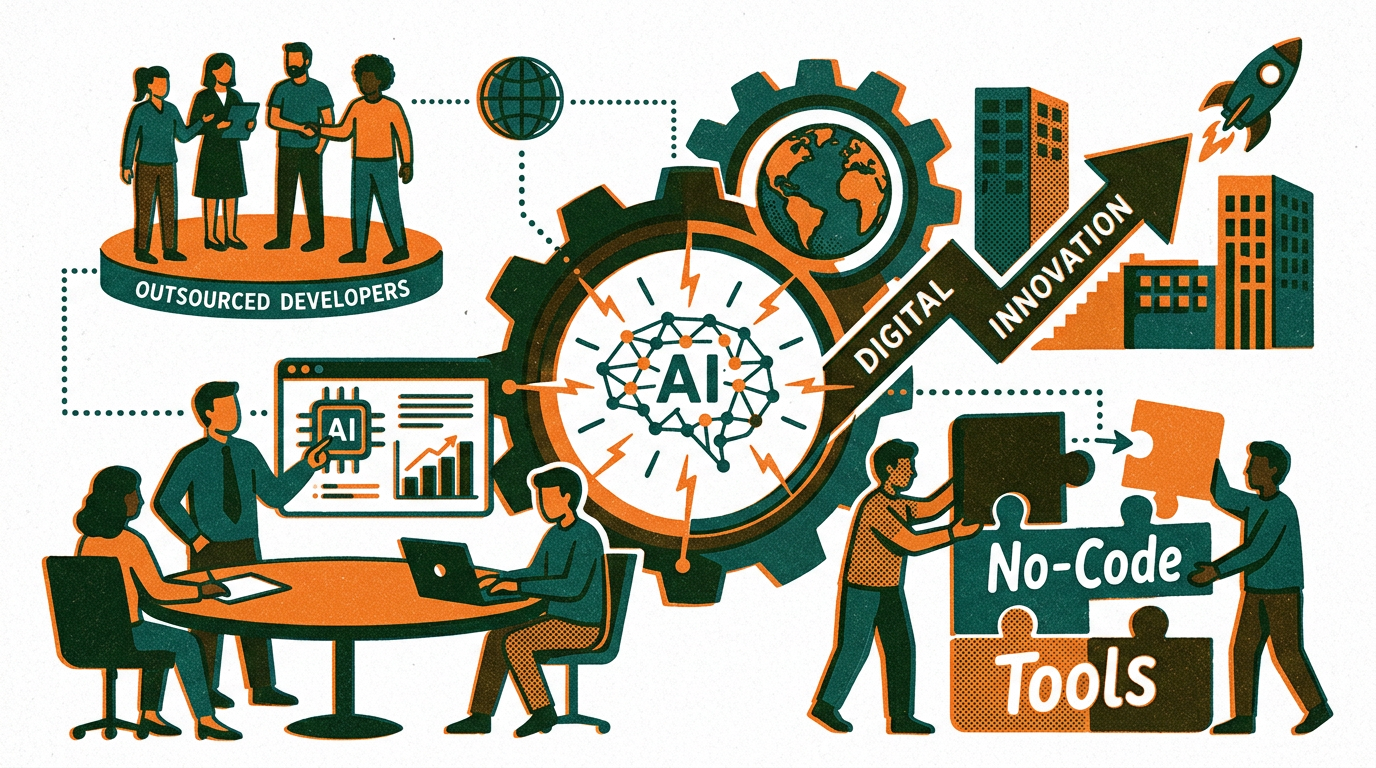
When to call a developer or technology partner
There is a point where adding yet another tool, or yet another workaround in a low-code platform, stops helping. Bringing in a Software Development partner, even for a short engagement, is worth considering if you notice any of these patterns.
1. Your core process is unique and gives you an edge
If the way you deliver your product or service is a key part of your competitive advantage, generic tools may always feel like a poor fit. Examples include:
- Specialized scheduling rules that off-the-shelf systems cannot handle.
- Complex quoting or configuration steps for custom products.
- Field operations that need dedicated Mobile App Development for checklists, photos, and signatures.
Here, Custom Software Development or tailored Enterprise Software can turn your way of working into a clear, repeatable, data-driven system.
2. Tool sprawl and data chaos
If every department has its own app for the same job, and no one can say which numbers are correct, you likely need structured Technology Consulting. Warning signs include:
- Multiple CRMs or customer lists that do not match.
- Finance, sales, and operations each reporting different numbers.
- Staff exporting and importing CSV files between tools every week.
In this case, a technology partner can help you step back, design a cleaner Digital Strategy, and decide what to keep, integrate, or replace.
3. Manual work is limiting growth
If adding new customers means you must hire more admin staff each time, your Business Efficiency is capped. Common triggers for a more serious Software Development project include:
- High volume of orders or projects that follow a predictable pattern but still rely on email and spreadsheets.
- Many staff repeating the same steps in different tools.
- Leadership wanting real-time views of workload, forecasts, and margins.
Here, investing in a unified Web Development project, back-office platform, or Mobile App Development for staff can pay off quickly.
4. Compliance, security, or integration demands are rising
As you work with larger customers or regulated industries, expectations change. You may need tighter control over who can see data, detailed audit trails, or specific integration standards.
Low-code tools can still play a role, but they often need to sit on top of a more structured, professionally designed foundation. A technology partner with experience in Enterprise Software and Cloud Computing can design that safely.
How to work with a developer even if you are non-technical
You do not need to speak in technical terms to work effectively with a development partner. You do need clarity about your business goals and workflows.
Step 1: Describe the business outcome, not the features
For example:
- “We want to respond to all leads within 30 minutes during business hours.”
- “We want a single place to see project status, margin, and deadlines.”
- “We want to reduce order processing time from 3 days to 1 day.”
Let your partner translate those into technical options.
Step 2: Map your current process on one page
List the steps, who does them, and which tools they use now. Be honest about exceptions and workarounds. This gives your partner the raw material to suggest better Software Solutions and automation designs.
Step 3: Agree on a phased roadmap
Push back on large, all-or-nothing projects. Instead, ask for phased delivery:
- Phase 1: core foundation and quick wins.
- Phase 2: deeper automation between departments.
- Phase 3: targeted AI Automation and advanced Data Analytics.
This approach lowers risk and builds trust on both sides.
Common mistakes non-technical owners make with automation
Avoiding a few recurring pitfalls can save you time and money.
Mistake 1: Buying tools to fix unclear processes
If your process is vague, tools will simply speed up confusion. Always sketch the workflow first, even roughly.
Mistake 2: Expecting AI to think for you
AI for Business is excellent at patterns, suggestions, and summaries. It is not a replacement for strategy, pricing decisions, or judgment. Treat AI as an assistant, not a manager.
Mistake 3: Ignoring the team
If staff feel automation is being done to them, they may resist or quietly bypass new systems.
Involve them early. Ask which tasks they want to remove, and pilot new workflows with a small group first.
Mistake 4: Over-automating customer touchpoints
Too many chatbots or canned replies can feel cold. Automate status updates, reminders, and FAQs, but keep clear paths to real humans for complex or sensitive topics.
Mistake 5: Never reviewing automations
Businesses change. Automation rules that were perfect last year may be wrong today.
Schedule regular reviews, for example every quarter, to check if your automations still match your current offers, prices, and policies.
Future technology trends small businesses should watch
You do not need to act on every trend, but being aware of them helps you make better long-term decisions about Business Technology.
1. More AI inside everyday business tools
Email clients, CRMs, accounting packages, and helpdesks are steadily adding AI helpers. Choosing modern, cloud-first tools now means you can tap into these improvements without separate AI projects later.
2. Stronger no-code and low-code ecosystems
Low-code platforms are moving from “nice side tool” to core part of many Digital Strategy plans. Expect more visual ways to design workflows, approvals, and lightweight Web Development or internal apps without full Software Development.
3. Closer links between data and decision making
Data Analytics tools are becoming more conversational. Instead of building complex reports, managers will increasingly type or speak questions like “Show me our highest lifetime value customer segment” and get clear answers on demand.
4. Hybrid stacks that mix SaaS, low-code, and custom platforms
Most small and medium businesses will not live in only one category. They will mix:
- SaaS Solutions for common needs.
- Low-code for process-specific micro apps.
- Custom Software Development for their unique operational backbone.
A thoughtful blend of these will support Startup Growth, Business Innovation, and long-term Business Efficiency.
Practical first steps you can take this month
If you want to move from ideas to action without a massive project, consider this simple sequence.
- Pick one business objective. For example, “reduce lead response time” or “cut manual invoicing work in half”.
- Map the current process. Note each step, who does it, and where delays or errors appear.
- Identify two or three low-code or built-in automations that could remove manual steps.
- Pilot for 30 to 60 days with a small group and measure the change in time, errors, or conversion.
- Decide your next move. If low-code tools are enough, extend them. If you hit limits, explore Technology Consulting or a focused Software Development project.
Summary: use AI automation where it helps, and call a developer when it counts
AI for Business and low-code automation are no longer reserved for large enterprises. Non-technical small business owners can use modern Software Solutions, Cloud Solutions, and simple integrations to remove a surprising amount of manual work and improve Customer Experience.
The key is to:
- Start with clear business outcomes, not tools.
- Use plug-and-play integrations and low-code platforms for quick, low-risk wins.
- Introduce AI Automation gradually, mainly for drafting, summarizing, and prioritizing.
- Recognize the point where your unique processes, growth, or data complexity justify Custom Software Development or deeper Digital Transformation work.
If you would like help reviewing your current stack, choosing practical low-code tools, or deciding where custom Web Development, Mobile App Development, AI Automation, or integrated E-commerce Solutions fit into your Digital Strategy, consider speaking with an experienced technology partner. A short, business-focused consultation can clarify priorities and map out a realistic roadmap for smarter automation over the next 6 to 18 months.