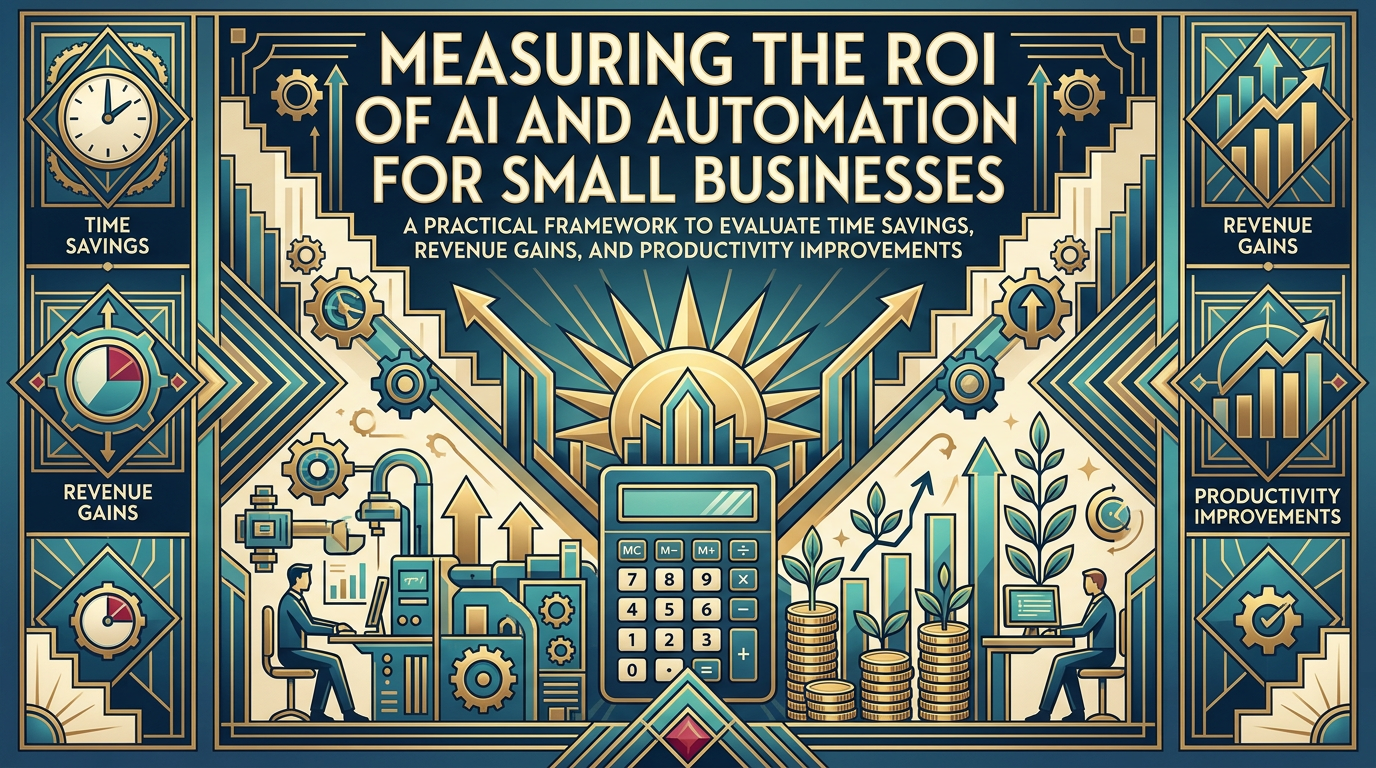
Measuring the ROI of AI and Automation for Small Businesses
A Practical Framework to Evaluate Time Savings, Revenue Gains, and Productivity Improvements
Maira Koin
CEO, F Koin Tech
Published
30 August, 2026
Many small business owners feel pressure to invest in Artificial Intelligence and Business Automation, but struggle with a basic question: how do you know if it is actually paying off?
You might save a few hours here and there, send emails faster, or respond to customers more quickly, but translating those improvements into clear numbers for return on investment (ROI) is harder. Without a simple framework, AI for Business looks like an expense instead of a real growth tool.
This guide lays out a practical way to measure the ROI of AI Automation and Workflow Automation in a small or medium business. It focuses on time savings, revenue impact, and productivity, using language that makes sense to business leaders, not developers. The goal is to help you make better decisions about where to invest, what to expand, and what to stop.
Why ROI for AI and automation matters for small businesses
Larger companies can afford long experiments with Digital Transformation and advanced Software Solutions. Small businesses do not have that luxury. Every new subscription, Custom Software Development project, or Cloud Solution competes with marketing, hiring, and operations.
Measuring ROI on AI and Business Automation helps you:
- Protect cash by focusing on initiatives that clearly pay for themselves.
- Build internal support because staff and managers see clear benefits instead of vague promises.
- Prioritize projects based on measurable impact on Business Productivity and Business Efficiency.
- Plan your Digital Strategy using evidence instead of guessing which Technology Trends matter.
You do not need perfect numbers. Reasonable, transparent estimates are enough to guide decisions and support discussions with technology partners or a Technology Consulting provider.
The core ROI formula, explained in plain language
ROI for AI and automation follows the same basic formula as any other investment:
ROI (%) = ((Total benefits − Total costs) ÷ Total costs) × 100
In practice, most small businesses find it easier to think in three buckets of benefits and one bucket of costs.
The three main benefit buckets
- Time savings: Fewer hours spent on repetitive tasks like data entry, copying information between tools, or drafting standard emails.
- Revenue impact: More leads converted into sales, higher average order values, more repeat purchases, or better retention.
- Productivity and error reduction: The same team handling more work with fewer mistakes, rework, or delays.
The main cost bucket
- All-in cost of the solution: Software subscriptions, implementation and integration work, training time for staff, and any ongoing support or Custom Software Development.
Your job as a business leader is not to calculate every detail perfectly, but to quantify each bucket enough that you can compare initiatives and decide where to scale up or step back.
Step 1: Define the business problem before the tool
Many AI for Business projects start with a tool, such as an AI chatbot or automation platform. A better starting point is a concrete business problem.
Ask yourself three questions:
- Where are we losing time? For example, staff copying data between spreadsheets and CRM, or managers assembling reports every week.
- Where are we leaking revenue? For example, slow lead responses, abandoned carts, or inconsistent follow-up after quotes.
- Where are we making avoidable mistakes? For example, mis-typed invoices, missed renewals, or forgotten follow-ups.
Pick one specific problem as a starting point. The smaller and clearer the process, the easier it is to measure ROI and refine your Business Process Optimization efforts.
Example: Slow response to inbound leads
Problem: Your team often takes a day or more to respond to website inquiries, and some leads are missed entirely.
Potential AI and automation solution:
- Connect your website form to a simple CRM (a SaaS Solution).
- Trigger confirmation emails and SMS messages automatically.
- Use AI Automation to draft first response emails based on templates.
- Create tasks for sales staff automatically when high-value leads arrive.
This type of small Workflow Automation project is ideal for ROI measurement, because inputs and outputs are straightforward.
Step 2: Map the current process and capture a baseline
Before you change anything, document how work happens today. This gives you a baseline to compare against later.
Map the process in plain steps
For each process you want to improve, write down:
- Trigger: What starts this process? (e.g. new lead, new order, new support ticket)
- Steps: Which activities happen from start to finish?
- People: Who is involved at each step?
- Tools: Which systems or spreadsheets are used?
Keep it to one page. This is not a technical document. It is a simple picture of where time, effort, and handoffs occur.
Measure the current “before” numbers
Next, capture a few basic metrics. You do not need advanced Data Analytics tools. Spreadsheets, basic reports from your CRM, or simple counts are enough.
Useful baseline metrics include:
- Volume: How many times per week or month the process runs (leads, invoices, tickets, orders).
- Time per item: Average minutes or hours for the team to complete one unit of work.
- Error or rework rate: Number of corrections, refunds, or re-done tasks.
- Conversion or completion rate: For sales processes, how many leads convert; for internal processes, how many tasks finish on time.
Even if the numbers are rough, they provide a baseline to compare after you introduce AI or Business Automation.
Step 3: Put a simple value on time savings
Time is usually the easiest benefit to quantify. You can translate hours saved into cost savings or capacity.
How to calculate time-based ROI in practice
- Estimate time saved per unit
Example: Creating each invoice manually takes 10 minutes. After implementing Workflow Automation between your project system and accounting tool, it drops to 2 minutes. That is 8 minutes saved per invoice.
- Multiply by volume
If you send 400 invoices per month, that is 400 × 8 minutes = 3,200 minutes saved, or about 53 hours per month.
- Apply an hourly cost
Take a realistic fully loaded hourly rate, including salary, taxes, and overhead. For example, 40 dollars per hour.
53 hours × 40 dollars = 2,120 dollars in time value per month.
Now compare that to the cost of the automation solution (software plus any one-time setup). If your tools and occasional Technology Consulting cost 700 dollars per month equivalent, the net monthly benefit is roughly 1,420 dollars.
You can express ROI as:
ROI = (2,120 − 700) ÷ 700 ≈ 203 percent per month
Even if your estimates are off by 20 percent, the project is clearly worthwhile.
Time savings vs. headcount reduction
Some owners only count time savings as ROI if they plan to reduce staff. That is too narrow. Time savings still have real value if they allow you to:
- Handle more customers with the same team.
- Redirect staff to higher-value work such as sales, account management, or new product ideas.
- Reduce overtime or burnout.
Be explicit about how you will use freed-up time. That clarifies the true benefit of your AI and Small Business Technology investments.
Step 4: Quantify revenue impact from AI and automation
Some of the strongest ROI from AI Automation comes from improved revenue, not just lower costs. This is particularly true for customer-facing processes, sales, and E-commerce Solutions.
Common revenue levers AI and automation improve
- Faster lead response: Responding within minutes instead of hours often raises conversion rates.
- Better follow-up: Automated reminders and AI-drafted emails reduce forgotten opportunities.
- Improved upsell or cross-sell: Data-driven suggestions increase average order value.
- Higher retention: Automated onboarding journeys and proactive support keep customers longer.
A simple way to calculate revenue impact
- Pick one clear metric
Examples: lead-to-customer conversion rate, average order value, repeat purchase rate, or churn rate.
- Document the baseline
Example: Out of 100 qualified leads per month, you currently win 20. Your baseline conversion rate is 20 percent.
- Estimate a conservative improvement
You introduce AI-assisted email replies and an automatic reminder sequence. Based on past experience and industry benchmarks, you aim to improve conversion to 24 percent.
That is an increase of 4 percentage points on the same 100 leads, so 4 more deals per month.
- Translate into revenue
If each new customer is worth 1,000 dollars in gross revenue on average, the additional 4 customers add 4,000 dollars per month.
Now compare that 4,000 dollars incremental revenue against the cost of the tools, integrations, and any Custom Software Development required to support the journey.
Even if your real improvement is only half of your estimate, the ROI can be significant.
Step 5: Measure productivity and quality improvements
AI and automation often improve quality in ways that are harder to see at first. Over time, these gains compound.
Examples of quality and productivity benefits
- Fewer errors in finance because invoices are created from approved quotes automatically.
- More consistent customer communication because AI suggestions are based on approved templates.
- Better decision-making because Data Analytics dashboards replace manual spreadsheets.
- Shorter onboarding for new staff because processes are embedded in Software Solutions instead of living in people’s heads.
Ways to quantify these benefits
You can still assign value to quality and productivity improvements by tracking:
- Error-related costs: Refunds, write-offs, or time spent fixing mistakes.
- Rework hours: Time spent re-doing work that was not right the first time.
- Cycle time: Total time from start to finish for key processes, such as quote to cash.
- Staff ramp-up time: Weeks or months for new hires to reach full productivity.
For example, if better Workflow Automation and AI-powered checks reduce invoice errors from 12 per month to 4, and each error costs roughly 150 dollars in lost time and goodwill, you saved 1,200 dollars per month in error-related cost.
Step 6: Include all relevant costs, not just software licenses
It is easy to underestimate the true cost of an AI or Business Automation initiative. Include all elements to get a realistic picture.
Common cost components
- Software subscriptions: Monthly or annual fees for AI tools, CRM, automation platforms, or other SaaS Solutions.
- Implementation and integration: One-time costs for data migration, connecting systems, or specialized Web Development and Mobile App Development.
- Training and change management: Staff time spent learning new tools, updating procedures, and adjusting roles.
- Ongoing maintenance: Support, minor configuration changes, software updates, and any Technology Consulting retainers.
For a fair ROI calculation, spread large one-time costs over a reasonable time period, such as 12 or 24 months, to avoid over-penalizing projects that need initial setup.
Example: Spreading one-time costs
If you invest 12,000 dollars in integration and Custom Software Development for a core process, and you expect to use that setup for at least two years, treat it as 500 dollars per month for ROI calculations (12,000 ÷ 24 months).
Add this to your monthly software subscriptions and staff training time to estimate the true monthly cost.
Step 7: Build a simple AI and automation ROI scorecard
Once you start multiple initiatives, a clear scorecard helps you see which ones deserve more investment and which might be paused.
Key fields for a small business ROI scorecard
- Project name (for example, automated lead follow-up, AI for invoice processing).
- Business owner responsible for the outcome, not the tool.
- Objective in one line, such as reduce lead response time or cut invoice errors.
- Baseline metrics before implementation.
- Current metrics after a defined period, such as 60 or 90 days.
- Estimated monthly benefit in dollars (time savings plus revenue impact).
- Estimated monthly cost including software, setup, and maintenance.
- ROI percentage and a simple rating (high, medium, low).
Review this scorecard every quarter. This habit turns Digital Innovation into a data-backed practice, not a series of disconnected experiments.
Which AI and automation projects usually deliver the best ROI?
Not every process is equally valuable to automate. Some will produce a clear, quick return, while others are nice to have but not essential.
High-ROI candidates for small businesses
- Lead capture and follow-up
Automated routing from website or ads into your CRM, plus AI-drafted replies and reminders. Direct impact on revenue and Customer Experience. - Appointment scheduling and reminders
Online booking linked to calendars, plus SMS and email reminders. Fewer no-shows, less admin, and better customer satisfaction. - Invoicing and payment collections
Workflow Automation from job completion to invoice creation and payment reminders. Improved cash flow and fewer manual tasks. - Basic customer support and FAQs
Shared helpdesk, auto-responders, and AI-supported reply suggestions. Faster resolution times and less pressure on staff. - Reporting and basic Data Analytics
Pulling data from core systems into simple dashboards. Better decisions on pricing, staffing, and marketing.
Start with processes that are frequent, closely linked to money or Customer Experience, and currently painful for staff. These often deliver the strongest, fastest ROI.
Common mistakes in measuring AI and automation ROI
Even with a good framework, some patterns regularly reduce the value of AI and automation investments.
Mistake 1: Ignoring “hidden” manual work
Many processes include manual steps people take for granted, such as downloading CSV files, cleaning data, or forwarding emails. If you do not capture this work in your baseline, you underestimate potential ROI.
Fix: Ask staff directly where they spend their time related to the process, including side tasks they might consider minor. These hidden steps often offer quick automation wins.
Mistake 2: Counting only direct labor savings
If you only value projects that cut headcount, you will overlook improvements in Customer Experience, capacity, and resilience.
Fix: Value time savings in terms of extra capacity, reduced overtime, better customer retention, and leadership focus on Business Innovation.
Mistake 3: Skipping the “before” measurement
Implementing AI Automation without a baseline makes it hard to prove impact later. People will argue about whether the project helped, and support for further investment will weaken.
Fix: Always capture basic metrics before changes. Even one week of data is better than nothing.
Mistake 4: Overcomplicating the analysis
Some teams stall because they attempt complex financial models and detailed forecasts that require weeks of work.
Fix: Aim for reasonable estimates, not perfect precision. In small businesses, a clear 2x or 3x return is enough to justify a project, even with approximate numbers.
Mistake 5: Treating AI like a one-off project
AI and Small Business Technology continue to evolve. A chatbot or automation that works well today might be outdated or misaligned with your process in a year.
Fix: Review your automations regularly, for example twice a year, to update rules, content, and Data Analytics, and to check that assumptions about ROI still hold.
How to choose between off-the-shelf tools and custom solutions
As you see strong ROI in some areas, you may consider moving from basic SaaS Solutions to Custom Software Development or more tailored Enterprise Software. The financial lens you use for ROI can also help decide when that shift makes sense.
When off-the-shelf tools are usually enough
Standard tools often deliver great ROI if:
- Your process is similar to others in your industry, such as CRM workflows, basic E-commerce Solutions, or standard helpdesk setups.
- Your main pain is manual data entry or missed reminders, not complex pricing or scheduling rules.
- You are still in an earlier stage of Startup Growth and need flexibility more than perfect fit.
In this case, focus on connecting Cloud Solutions, using built-in AI for Business features, and keeping your stack simple.
When custom or hybrid solutions may be justified
More tailored Software Development often delivers higher long-term ROI if:
- Your core workflow is unique and part of your competitive advantage.
- You have heavy volumes that make even small inefficiencies expensive over time.
- Department-specific tools create data silos that complicate reporting and AI Automation.
- Compliance or security requirements mean generic platforms cannot be configured safely enough.
Here, a mix of custom Web Development, Mobile App Development, and integration work on top of your existing Cloud Computing stack can create a more durable foundation for Digital Transformation and Business Process Optimization.
A 90-day roadmap to test and prove ROI on AI and automation
If you have never measured ROI on Business Automation before, start small with a focused 90-day plan.
Phase 1 (Weeks 1–3): Select and scope one process
- Pick a process that touches revenue or customer satisfaction, such as lead response or onboarding.
- Map the current steps, tools, and handoffs.
- Capture baseline metrics: volume, time per unit, and basic outcomes.
Phase 2 (Weeks 4–8): Implement low-risk automation
- Use existing SaaS Solutions or simple Low-code tools before launching a full Software Development project.
- Introduce only a few changes at once, such as automatic notifications, data syncing, or AI-assisted drafting.
- Train the team on new workflows and gather quick feedback.
Phase 3 (Weeks 9–12): Measure, refine, decide next steps
- Compare new metrics against your baseline for time, revenue, and quality.
- Calculate approximate monthly benefit and cost to estimate ROI.
- Decide whether to expand, adjust, or stop this initiative.
- Document lessons learned to apply to your next AI for Business project.
After one or two cycles, you will have practical data that guides your Digital Strategy and future investments in Business Technology.
Future technology trends that will affect ROI calculations
AI and automation capabilities are changing quickly, and that has a direct impact on ROI for small businesses.
More AI inside everyday tools
Email platforms, CRMs, accounting packages, and helpdesks increasingly include built-in AI Automation features such as summarization, drafting, and prioritization. This reduces implementation costs and makes it easier to test AI in daily work without separate projects.
Stronger low-code and no-code ecosystems
Low-code platforms allow non-technical staff to create Workflow Automation, internal dashboards, and light web apps. As these tools mature, the up-front cost of Business Automation drops, and ROI calculations tilt more in favor of experimentation.
Better small business Data Analytics and reporting
More tools now provide accessible Data Analytics, simple forecasting, and visual dashboards. As data becomes easier to read, it will be simpler to measure the impact of Digital Transformation efforts on Business Productivity and Customer Experience.
Growing expectations for integration
Customers and staff will expect smoother experiences across Web Development, Mobile App Development, E-commerce Solutions, and back-office systems. Integrated stacks make it easier to reuse data for AI models and reduce duplicate work, which improves both ROI and Business Efficiency.
Summary: Treat AI and automation as measurable business investments
Artificial Intelligence, Cloud Computing, and modern Software Solutions can dramatically improve how small businesses operate, but only if you treat them like any other business investment. That means clear goals, simple measurements, and honest reviews.
By focusing on time savings, revenue impact, and productivity improvements, and by including all relevant costs, you can make confident decisions about AI and Business Automation instead of relying on hype or guesswork.
If you want support identifying high-ROI opportunities, choosing the right mix of SaaS Solutions and Custom Software Development, or building an automation roadmap that fits your size and industry, consider speaking with a technology partner experienced in Business Technology, AI for Business, and Digital Transformation. A short, business-focused conversation can help you prioritize projects that will actually move the needle over the next 6 to 18 months.