How to Connect Your Website With a CRM or ERP
Connecting your website to a CRM or ERP removes manual data entry and speeds up follow-ups. Here are the main integration methods and how to choose one.
Maira Koin
CEO, F Koin Tech
Published
15 October, 2026
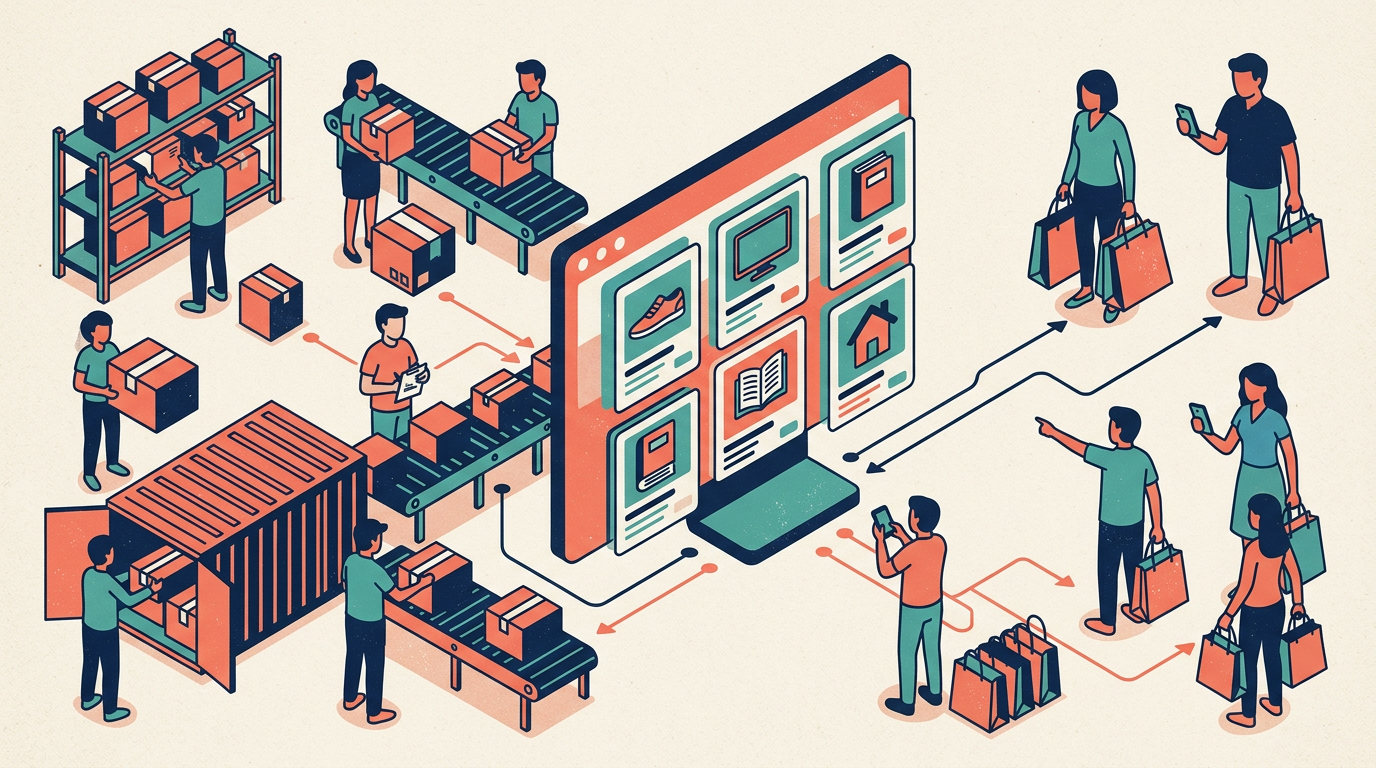
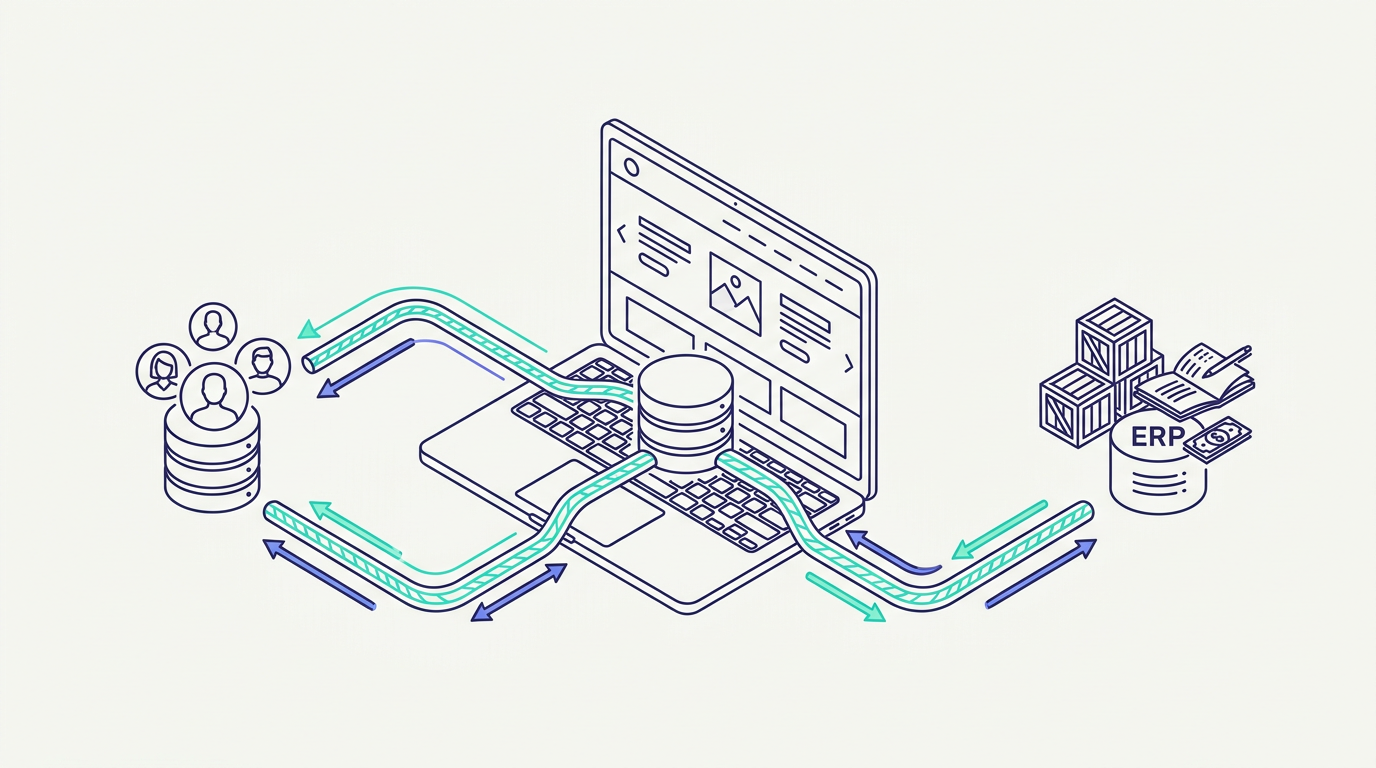
You can connect your website to a CRM or ERP in four main ways: a ready-made plugin or native integration, a no-code automation tool, a direct API integration, or middleware that sits between several systems. The goal is simple: when someone fills a form or places an order on your website, the data should flow automatically into your CRM or ERP without anyone copying it by hand.
What data usually needs to sync
Leads and enquiries from contact forms to the CRM
Orders and customers from the online store to the ERP
Stock levels and prices from the ERP back to the website
Order status and invoices to customer accounts
Marketing source data like campaign and landing page
Decide the direction for each data type. Some flow one way, others need two-way sync. If you are still choosing a system, read our guides on what a CRM costs and custom ERP software cost.
Option 1: Native plugins and integrations
Many CRMs and ecommerce platforms offer ready connectors. They are quick and affordable, but limited to the fields and logic the plugin supports.
Best for: standard setups like a WordPress form to a popular CRM.
Option 2: No-code automation tools
Tools like Zapier or Make can move data between apps without coding.
Best for: low-volume, simple workflows. Watch out for subscription costs as volume grows, and for silent failures if nobody monitors them.
Option 3: Direct API integration
A developer connects your website to the CRM or ERP using their APIs, often with webhooks that trigger instantly when something happens.
Best for: custom logic, higher volume, and reliable error handling. This is the most flexible option.
Option 4: Middleware or an integration layer
When several systems need to talk to each other, a small integration service in the middle handles mapping, retries, and logging.
Best for: businesses with a website, ecommerce store, ERP, CRM, and accounting tool all in play.
Common pitfalls to avoid
Duplicate records because there is no matching rule for existing customers
Field mismatches like different formats for phone numbers or product codes
No error alerts, so failed syncs go unnoticed for weeks
No logs, making problems impossible to trace
Ignoring API limits set by the CRM or ERP provider
How to start
Map your current flow on paper: where data enters, where it needs to go, and who uses it. Then pick the simplest integration that handles your volume reliably.
F Koin Tech offers API development and integration as part of our ERP, CRM, and AI automation services. Share your current setup with us and we will suggest the most practical way to connect it.