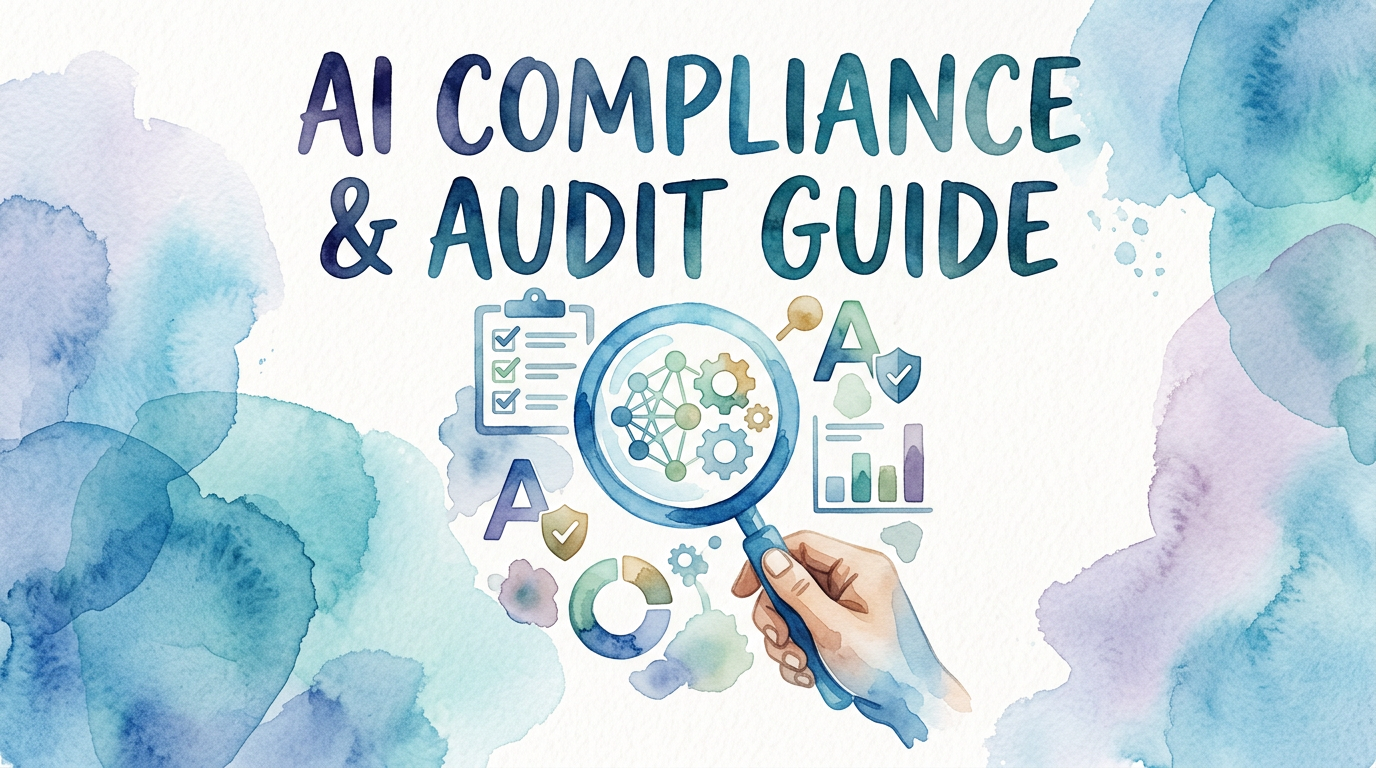
AI Compliance & Audit Guide
A practical guide for small businesses on using AI-powered log centralization to stay compliant, respond to audits faster, and turn web, mobile, and SaaS activity into clear evidence.
Maira Koin
CEO, F Koin Tech
Published
16 July, 2026
Are Your Logs Everywhere and Nowhere When Auditors Come Calling?
Your team ships features fast across web, mobile, and SaaS tools. But when a security incident occurs or an audit request hits your inbox, everything slows down.
Logs are scattered across apps, servers, and third-party services. Screenshots, CSV exports, and manual searches eat up hours. Proving who did what, when, and where feels almost impossible.
If you are a small business without a full-time compliance team, this chaos is more than a headache. It puts deals at risk, delays certifications, and can damage customer trust.
Centralized Logging: The Foundation of AI-Powered Compliance
Instead of chasing evidence across tools, imagine a single place where all your web, mobile, and SaaS logs are collected, normalized, and searchable.
Now add AI that can read those logs at scale, detect patterns, surface risks, and automatically prepare audit-ready evidence.
This is what AI-powered compliance and audit readiness looks like for small businesses: simple, centralized, and fast.
One Source of Truth for Every Digital Action
When you centralize logs, every user action, configuration change, integration call, and admin event is captured in one system of record. That includes:
- Web logs from your customer portal, marketing site, or web app
- Mobile logs from your iOS and Android apps
- SaaS activity logs from tools like CRM, billing, HR, and support platforms
With everything in one place, compliance stops being a manual “treasure hunt” and becomes a reliable, repeatable process.
How AI Turns Raw Logs Into Audit-Ready Evidence
Raw logs are noisy and hard to interpret. AI changes that by turning unstructured data into usable, evidence-backed answers.
Faster Incident and Access Reviews
AI can scan millions of log lines and quickly answer questions auditors and security teams care about, such as:
- Who accessed sensitive data and from where?
- What changed in a key configuration and at what time?
- Which user roles were modified in the last 90 days?
Instead of building complex searches or exporting data, you can ask natural language questions and get clear, documented results.
Automatic Mapping to Common Frameworks
Many small businesses are working toward standards like SOC 2, ISO 27001, HIPAA, or PCI. AI can help by:
- Tagging log events that map to specific controls (e.g., access control, change management)
- Grouping events into evidence packages aligned to each control
- Highlighting missing or weak areas where log coverage is incomplete
This means you spend less time “translating” technical data and more time closing real gaps.
Proactive Alerts Instead of Surprise Findings
Because AI can spot unusual patterns, it can warn you about potential issues before they become audit findings, including:
- Unusual login behavior or suspicious IP activity
- Unauthorized role changes or privilege escalations
- Third-party integrations behaving outside their normal patterns
With proactive alerts, you can document detection, response, and remediation steps — a key part of demonstrating mature security practices.
Key Benefits for Small Businesses
AI-powered, centralized logging is not just “nice to have” for large enterprises. It directly supports how small teams work under tight time and budget constraints.
Less Manual Work, More Confidence
- Cut audit prep time by pulling ready-to-share reports instead of building them from scratch.
- Reduce spreadsheet chaos with a single system that tracks events, timelines, and actions.
- Answer customer security questionnaires with clear, evidence-backed statements.
Better Deals and Faster Security Reviews
Many enterprise buyers now expect strong logging and monitoring as part of vendor security reviews. With centralized, AI-supported logs, you can:
- Demonstrate access control and activity tracking in minutes
- Share sanitized reports without exposing sensitive details
- Show that you have repeatable, tool-driven security practices, not ad-hoc processes
Scales With Your Stack, Not Just Your Headcount
As you add new SaaS tools, cloud services, or microservices, your log volume grows whether your team does or not. Centralization and AI help you:
- Ingest logs from new systems quickly using standard connectors or APIs
- Apply the same rules and patterns across all data sources
- Keep visibility as your architecture becomes more complex
Practical Steps to Get Started
You do not need to rebuild your stack to become AI-powered and audit ready. Focus on a few simple steps.
1. Identify Your Critical Systems
List the tools and applications that handle sensitive data or business-critical workflows, such as:
- Authentication and identity providers
- Customer data platforms and CRMs
- Billing, payments, and finance systems
- HR, payroll, and employee management software
These are your priority logging sources.
2. Turn On and Centralize Logging
Enable audit and activity logging in each system, then send those logs to a central platform. This might be:
- A log management or SIEM tool
- A data warehouse or lake with security controls
- A dedicated compliance and evidence platform
Use APIs, webhooks, or built-in integrations to centralize the data and keep it up to date.
3. Define What Matters to Your Audits
Work backward from your current or target compliance goals. For example, if you are aiming for SOC 2:
- Focus on access logs, authentication events, and change tracking
- Ensure admin actions in SaaS apps are captured and searchable
- Align log retention with your policy and auditor expectations
4. Apply AI for Insights and Automation
Once your logs are centralized, layer AI on top to:
- Run natural language searches (“show all admin role changes this quarter”)
- Tag events by control or risk type
- Generate timeline views of incidents and responses
- Create reusable, audit-ready reports for recurring reviews
5. Build Simple, Repeatable Workflows
Finally, put light process around your tools so compliance never becomes a “once-a-year scramble” again:
- Schedule regular access and configuration reviews
- Log and document incident response steps in the same system
- Use templates for reports you know auditors will request
Make Compliance a Byproduct of How You Operate
AI-powered compliance is not about more paperwork. It is about designing your systems so that strong, evidence-backed security falls out naturally from how your team works every day.
By centralizing logs from your web, mobile, and SaaS tools and letting AI handle the heavy lifting, your small business can move faster, prove more, and face every audit with confidence instead of anxiety.