How to Build a Customer or Employee Portal
A portal gives customers or employees secure self-service access to their data. Here is how to plan the features, security, and integrations before you build.
Maira Koin
CEO, F Koin Tech
Published
09 October, 2026
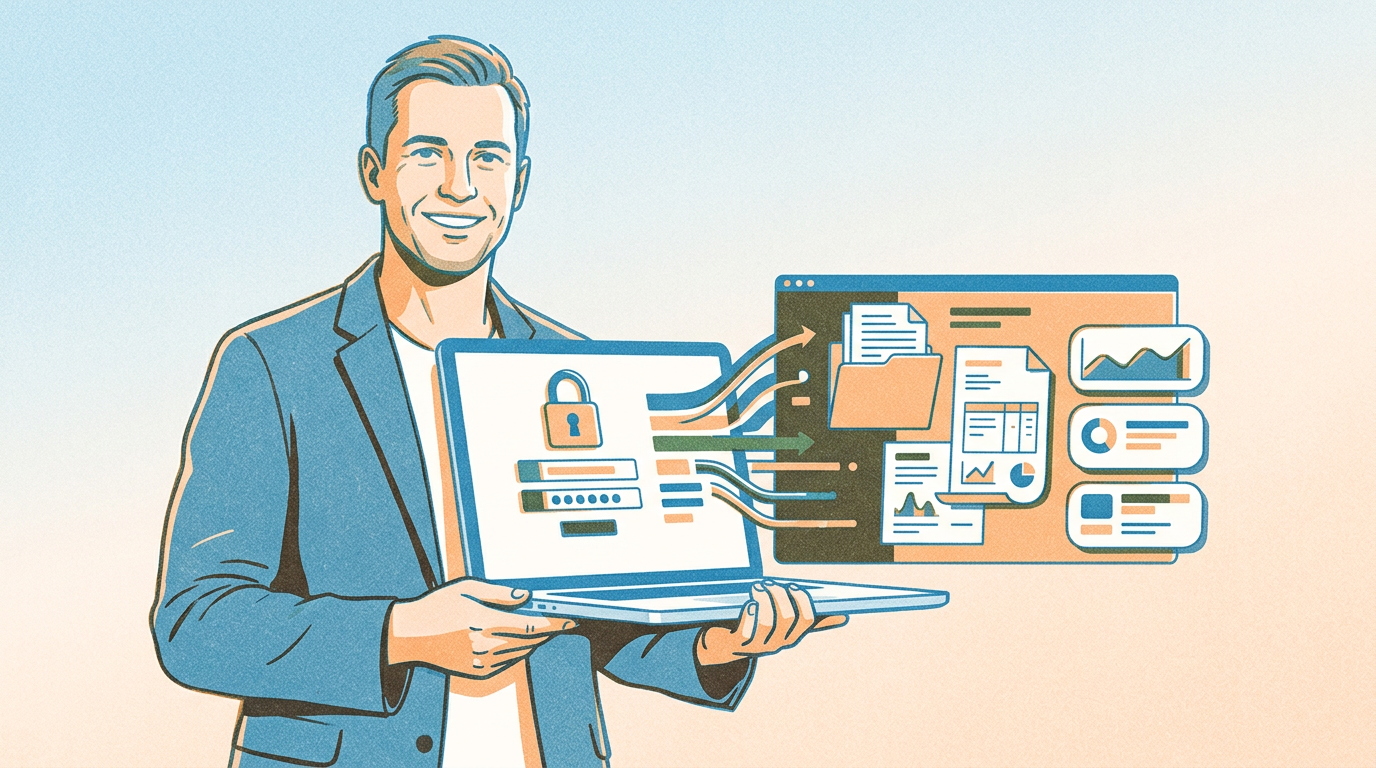
A customer or employee portal is a secure, login-based area where people can view their own information and complete tasks themselves, such as downloading invoices, tracking orders, raising requests, or applying for leave. To build one, define who will log in and what they need to do, connect the portal to the systems that hold that data, and design strict permissions so every user sees only their own records.
Done well, a portal reduces calls and emails dramatically.
Customer portal vs employee portal
Customer portals usually include order or project status, invoices and payments, documents, support tickets, and account settings.
Employee portals usually include payslips, leave and attendance, policies, announcements, internal requests, and training material. If HR is your main use case, see our guide to HR portal cost.
The technology is similar. The difference is in the data and permissions.
Step 1: Start with the top requests
List the questions your team answers most often. "Where is my order?", "Can you resend my invoice?", "How many leaves do I have left?" Each repeat question is a portal feature waiting to be built.
Step 2: Connect to the source of truth
A portal is only useful if its data is accurate. Connect it to your ERP, CRM, accounting, or HR system through APIs instead of maintaining a separate copy. Decide which data is read-only and which users can update.
Step 3: Design security from day one
Secure login, with two-factor authentication for sensitive data
Role-based access so users see only their own records
Encrypted data in transit and at rest
Audit logs for downloads and changes
Session timeouts and password policies
This is especially important in healthcare, finance, and HR.
Step 4: Keep it simple to use
Most users log in occasionally, so they will not remember complex navigation. Put the most common actions on the first screen, make it mobile-friendly, and send email or WhatsApp notifications when something needs their attention.
Common mistakes to avoid
Launching with too many features nobody asked for
Manual data uploads that quickly go out of date
No clear owner inside the business to manage the portal
Ignoring mobile users
Real examples
F Koin Tech built Pac Sys, a platform for doctors to manage patient records with secure X-ray and report uploads, search, and role-based access, and Clinicahaifa, a room booking platform with a real-time calendar and admin controls.
If you are planning a portal for customers, partners, or staff, our custom IT and AI solutions team can help. Get in touch to discuss your requirements.